
MailBender
Loading
Loading
Not another AI add-on. A complete rethinking of how email should work.
It's the inbox rebuilt from scratch.
Not just another inbox plugin. A completely new way to handle email.
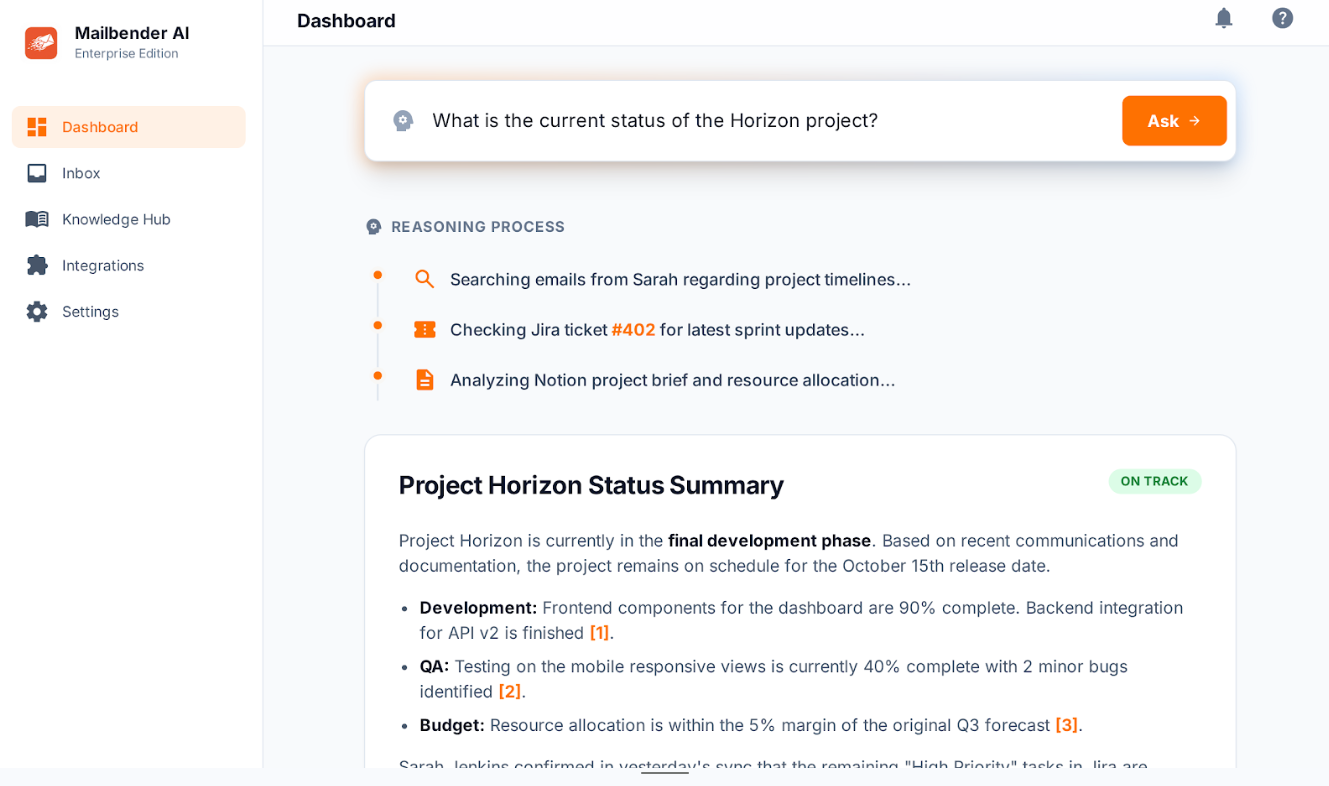
Context from your integrations — CRMs, docs, calendars. Every email understood with the full picture.
AI drafts in your tone, generates reports, and builds a knowledge base from every important decision and detail.
Auto-categorization, smart environments, importance flags, and deadline tracking. One inbox, two jobs? Split it — everything sorted, nothing mixed.
A complete briefing every morning. Thread summaries, importance highlights, and a prioritized action list.
Context from your integrations — CRMs, docs, calendars. Every email understood with the full picture.
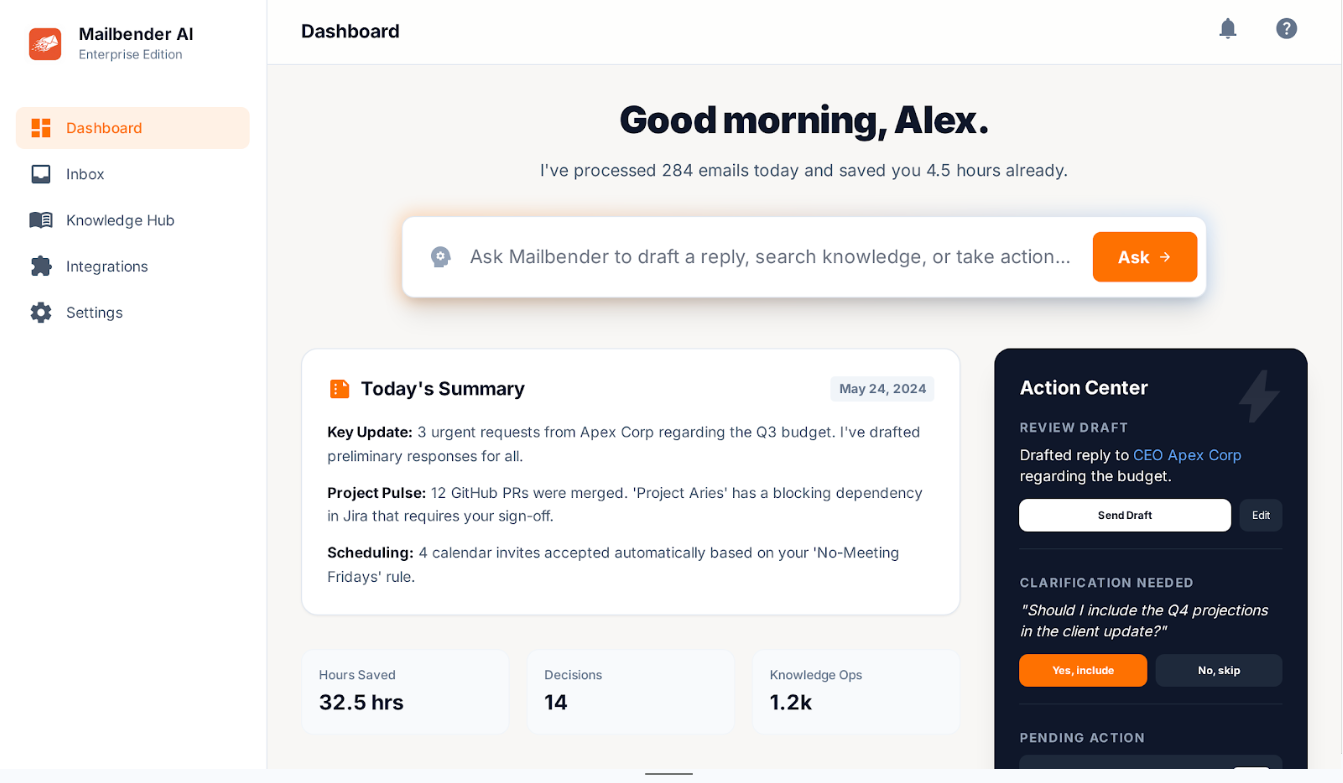
AI drafts in your tone, generates reports, and builds a knowledge base from every important decision and detail.
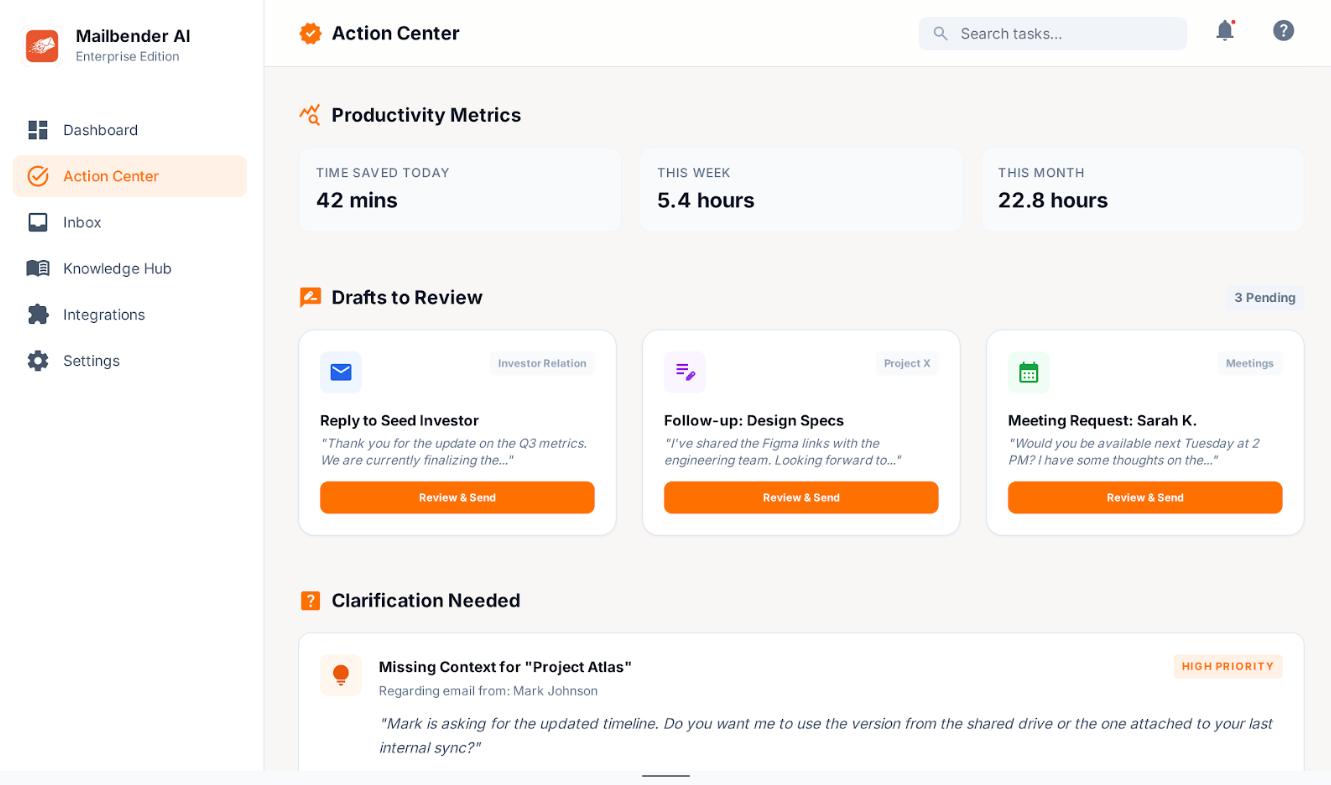
Auto-categorization, smart environments, importance flags, and deadline tracking. One inbox, two jobs? Split it — everything sorted, nothing mixed.
A complete briefing every morning. Thread summaries, importance highlights, and a prioritized action list.
MailBender doesn't patch your inbox — it replaces the entire experience.
Mails automatically categorized into projects, clients, internal threads. One shared inbox handling two departments? Split it into clean environments — everything sorted, nothing mixed up. Drafts and reports generated on top.
Importance flagging surfaces what needs your attention. Decisions are extracted from threads. Calendar events appear from plain text. The noise disappears.
Cross-platform context research powers every reply. Knowledge base drafts, custom notifications, and scheduled sends — all built in.
Sensitive information never reaches the AI. Here's how.
Before any email reaches the AI, sensitive data — names, addresses, financials, credentials — is automatically detected, stripped out, and locked in a secure vault.
The LLM works only with sanitized content — placeholders where real data used to be. It drafts, categorizes, and summarizes without ever seeing what matters most.
Once the AI is done, your real data is seamlessly reinserted — into drafts, reports, or your knowledge base. Full context, zero exposure.
Your mail passes through, gets processed, and disappears. No copies, no caching, no exceptions. Your inbox is yours alone.